java.io.File getAbsoluteFile()
Description
On this document we will be showing a java example on how to use the getAbsoluteFile() method of File Class. This method Returns the absolute form of this abstract pathname. Equivalent to new File(this.getAbsolutePath()).
Throws:
- SecurityException – If a required system property value cannot be accessed.
Method Syntax
public File getAbsoluteFile()
Method Argument
| Data Type | Parameter | Description |
|---|---|---|
| N/A | N/A | N/A |
Method Returns
This method returns a File which denotes the absolute abstract pathname denoting the same file or directory as this abstract pathname
Compatibility
Requires Java 1.2 and up
Java File getAbsoluteFile() Example
Below is a java code demonstrates the use of getAbsoluteFile() method of File class. The example presented might be simple however it shows the behaviour of the getAbsoluteFile() method of File class. Basically we have put a check first if the file exists or not. If the file exists based on the return value of the exists() method, we print the result of the getAbsoluteFile() method to illustrate it’s behaviour.
package com.javatutorialhq.java.examples;

import java.io.File;

/*
 * This example source code demonstrates the use of
 * getAbsoluteFile() method of File class.
 *
 */

public class FileGetAbsoluteFileExample {

	public static void main(String[] args) {

		// initialize File object
		File file = new File("C:javatutorialhqinputtest_file.txt");

		boolean result;
		// check if file exists
		result=file.exists();
		if(result){
			// print message that file exists
			System.out.println(file.getAbsoluteFile() + " exists");
		}
		else{
			//print message that the file does not exist
			System.out.println(file.getAbsoluteFile()+" does not exists");
		}
	}
}
Sample Output
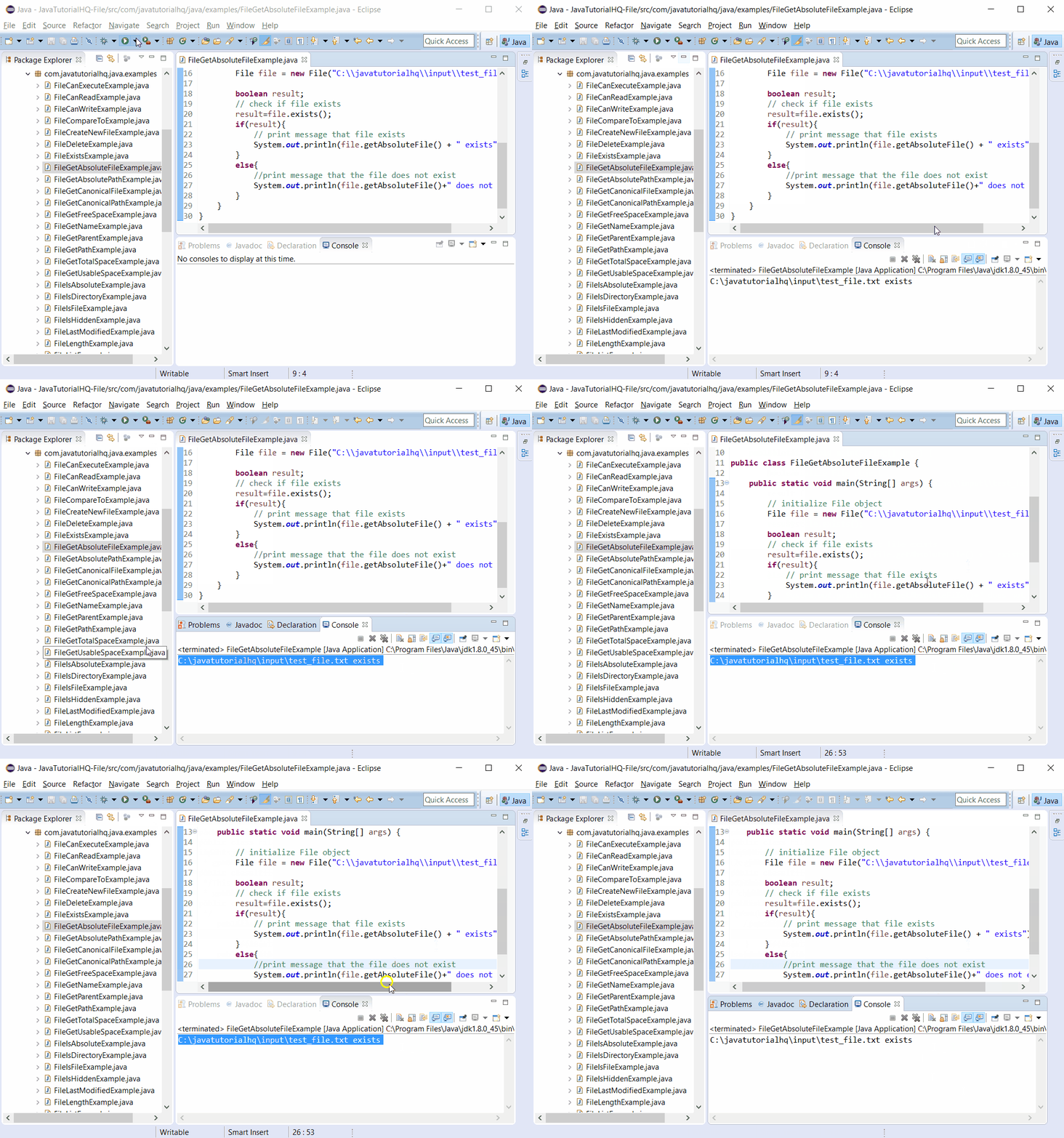
Below is the sample output when you run the above example.